The IT self-service portal people actually open
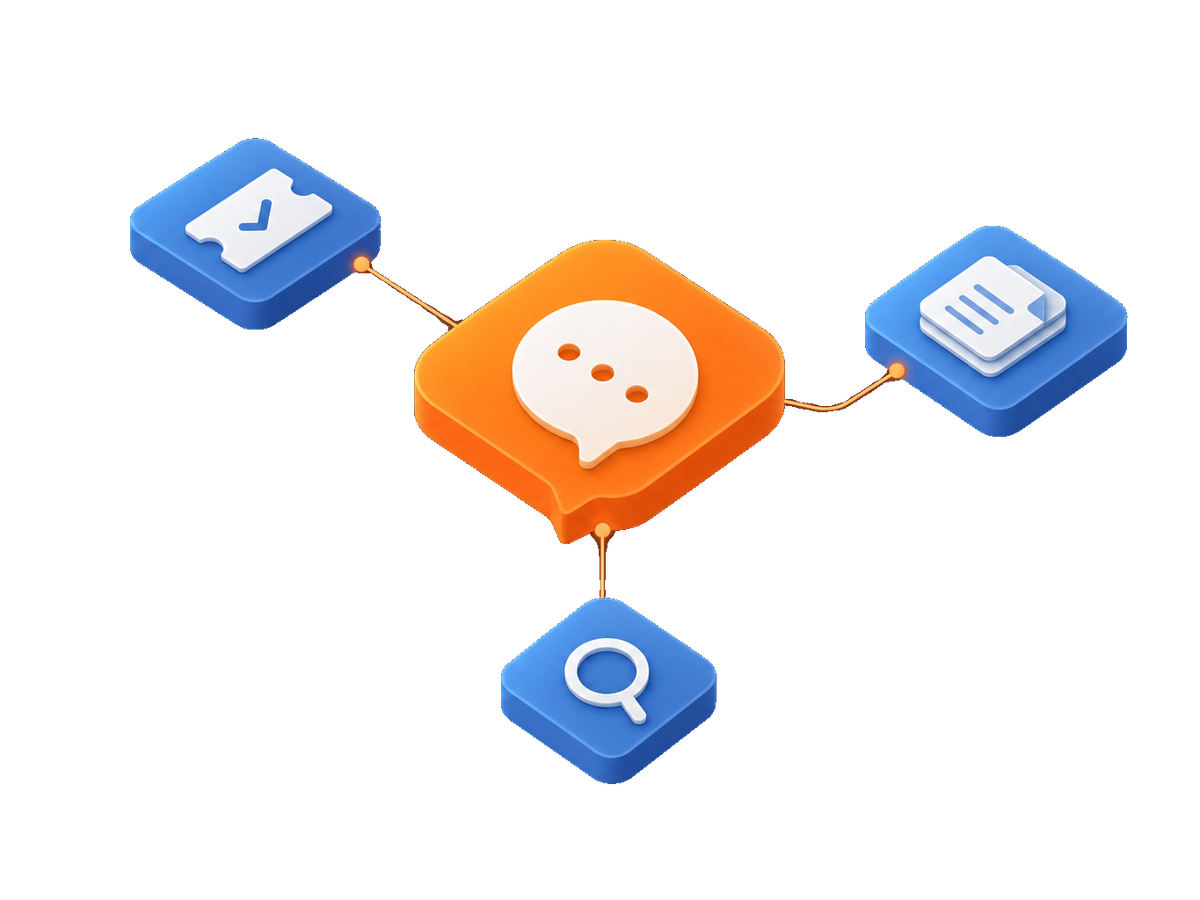
Most self-service portals are bought to take work off the service desk, and then quietly become the reason nobody logs a ticket properly. ITSM360 puts the portal inside Microsoft Teams, where your employees already are.
The portal nobody opens
Ask an IT manager how their self-service portal is doing and you tend to get two answers in the same breath. The portal works. Almost nobody uses it.
The reasons are always the same. It sits on a separate URL. It has its own login. Employees have to remember it exists at the exact moment something is broken and they are already annoyed. So they message a colleague on Teams, or they walk over to IT, or they send an email that nobody can report on later.
The result is not a quiet service desk. It is a service desk doing the same volume of work with worse data, because half of it never became a ticket in the first place.
What happens when someone needs a password reset
Here is the same request, run through a portal that lives where people already work.
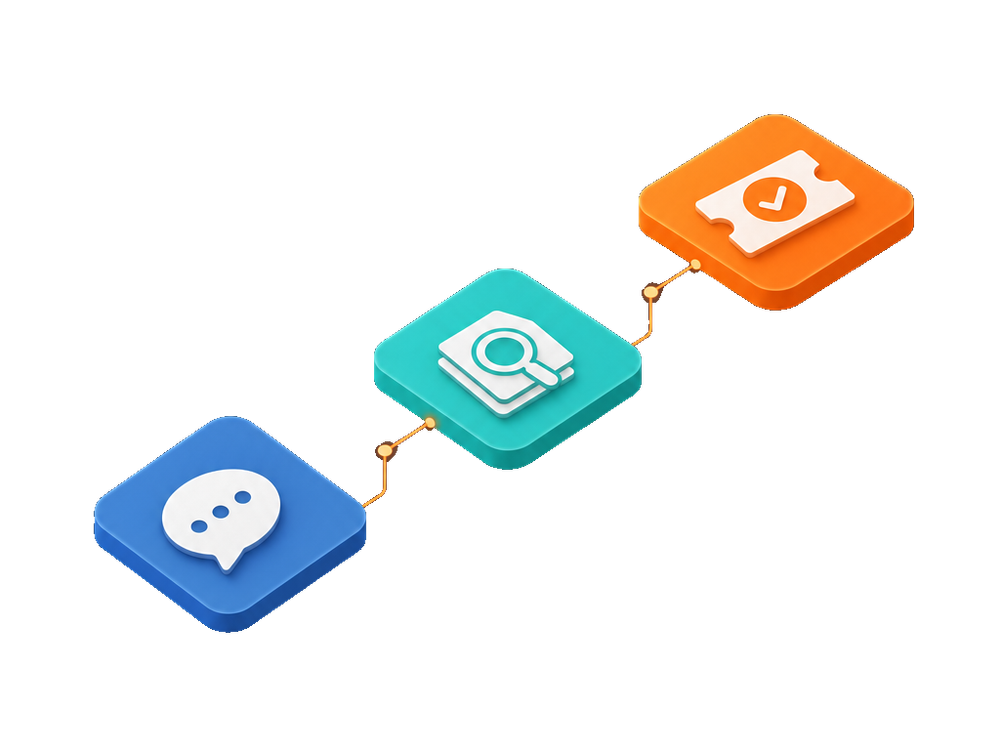
An employee opens Teams, which is already running, and types the request in the ITSM360 app. Before it is submitted, the assistant reads the knowledge base and shows the articles that match what they typed. If the answer is a two-step reset they already had permission to do, they are done and no ticket is created.
If they still need help, the request becomes a ticket with the category, the requester, and the article they already saw attached to it. They follow the status in the same place they raised it. Nobody had to find a URL.
Where the ESM ticket comes in
The same pattern works outside IT. A facilities request, an HR question, or a procurement approval is the same kind of transaction: someone needs something, somebody has to pick it up, and both sides want to know where it stands. Running those on the same platform is what turns an IT portal into an enterprise service management portal, without a second tool and a second login for employees to ignore.
What employees get in Teams
Four things people do most, all without leaving the app they already have open.

Create a ticket
Describe the problem in plain language. Category and priority are set from the request, not from a form the employee has to decode.

Find an answer first
The assistant reads the knowledge base and lists matching articles before the ticket is submitted.

Track their own requests
Status, assignee, and history in one list, visible to the requester without asking IT for an update.
Approve requests
Managers approve in Teams, so approvals stop being the slowest step in the chain.
What the architecture removes
Self-service only works if the answer is written down somewhere
This is the part vendors skip, so it is worth being blunt about it.
An assistant that reads your knowledge base can only find what your knowledge base contains. If your articles are three years old, or the good ones live in a colleague's inbox, deflection will be poor no matter which platform you buy. The software does not invent the answer. It summarises what it finds and points to the source.
The practical upside of running this on Microsoft 365 is that the knowledge is already in SharePoint, in the same tenant, under the same permissions. There is no separate content store to sync and keep current. But the writing still has to happen, and the first few months of a portal rollout are mostly about that.
What IT has to maintain
Fewer moving parts than a standalone portal, and that is most of the point.
Identity comes from Entra ID, so there is no user directory to sync and no extra password policy. Permissions follow the Microsoft 365 groups you already manage. The portal is a Teams app and a SharePoint site rather than a separate web application, so patching and backup ride along with the tenant you are already paying for and already securing.
For IT that means the portal is not one more system on the list that needs its own upgrade window, its own audit, and its own vendor call when it breaks.
Frequently asked questions
Do employees need a separate login for the self-service portal?
No. The portal runs inside Microsoft Teams and authenticates through Entra ID, so people are already signed in. That removes the single most common reason portals go unused.
Can we create an IT ticket by email as well?
Yes. Email stays available, and those messages land as tickets in the same queue. Most organisations keep it open during the first months of a rollout and see the volume shift to Teams on its own.
Does this replace our current ITSM portal or sit next to it?
It replaces it. Running two portals splits your reporting and gives employees a choice they will get wrong half the time. Migration usually starts with one department while the old portal stays read-only for its history.
Can other departments use the same portal for their requests?
Yes. Facilities, HR, finance, and procurement can run their own request types and approvals on the same platform, which is the enterprise service management case. Each department keeps its own permissions and its own queue.
How long does it take to go live?
A single-department rollout is usually a matter of weeks, because there is no infrastructure to stand up and no identity integration to build. The time goes into request types, approval routing, and knowledge articles.
See it in your own Teams
We will walk through a live request, from the moment someone types it to the moment it closes.